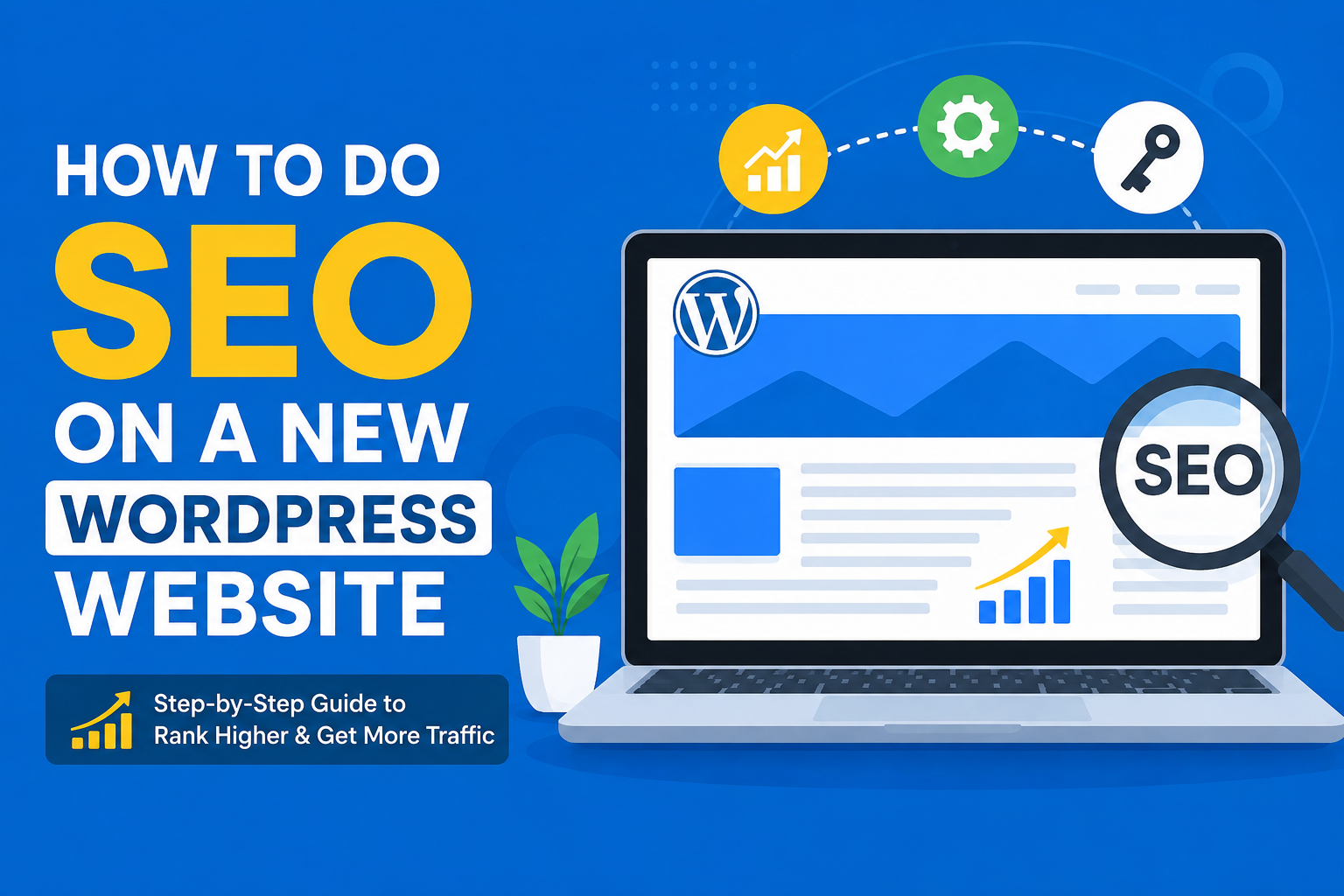
When I create a new WordPress website, one of the first things I think about is SEO. A beautiful website is not enough if people cannot find it through search engines. In my opinion, SEO should be considered from the beginning rather than waiting until a website has hundreds of pages.
The good thing is that SEO on WordPress does not have to be extremely complicated. There are many simple things that beginners can do to make their websites easier for search engines to understand. In this article, I will explain how I would approach SEO on a new WordPress website, from the basic settings to content, keywords, speed, links, and ongoing improvements.
Start With a Good Website Structure
Before writing lots of articles, I believe it is important to create a clean website structure. Visitors should be able to understand what the website is about within a few seconds.
I usually recommend creating a few main categories that are closely related to the website topic. For example, if the website is about technology, categories could include cybersecurity, software, gadgets, tutorials, and online safety.
I would avoid creating dozens of categories just because they sound interesting. Too many categories can make a new website confusing and difficult to manage.
Your main navigation should also be simple. Important pages should be easy to reach, and visitors should not have to click through many pages to find useful information.
Choose an SEO Friendly WordPress Theme
The theme you choose can have an effect on your website performance and user experience. I prefer lightweight themes that are simple, responsive, and not overloaded with unnecessary features.
A theme should work properly on mobile phones, tablets, and desktop computers. This is important because many people browse websites using mobile devices.
I would also avoid choosing a theme simply because it has lots of animations and visual effects. A website can look attractive without being overloaded with features that make it slower.
For me, speed and usability are more important than having a fancy design.
Set Your Permalink Structure
WordPress allows you to choose how your URLs are created. I recommend using a simple structure that makes the page topic clear.
For example, a URL such as:
example.com/how-to-secure-your-wordpress-website/
is much easier to understand than a URL containing random numbers or unnecessary characters.
I prefer short and descriptive URLs. When creating a new website, I would set the permalink structure before publishing lots of content so that I do not have to change URLs later.
Do Keyword Research Before Writing
One of the biggest SEO mistakes I see is writing an article first and thinking about keywords afterward.
Before I write an article, I like to understand what people are actually searching for. Keyword research helps me discover the questions, problems, and topics that my audience cares about.
For a new website, I would usually focus on specific and relatively low competition keywords instead of trying to rank immediately for extremely broad terms.
For example, instead of targeting a very broad keyword such as “SEO,” a new website could target a more specific phrase such as “SEO tips for a new WordPress website.”
The goal is not to put the same keyword everywhere. The goal is to understand the searcher’s intention and create content that genuinely answers their question.
Create Useful and Original Content
In my opinion, content is one of the most important parts of SEO.
I would rather publish one genuinely useful article than publish several short articles that provide little value. When writing, I try to explain the topic naturally and include practical information that readers can actually use.
Every article should have a clear purpose.
For example, if I write an article about protecting a WordPress website, I would explain security settings, updates, backups, passwords, and other useful steps instead of repeating the same general advice throughout the article.
Originality also matters. I would not simply copy information from other websites and change a few words. Instead, I would research the topic, understand it, and explain it in my own words and based on my own perspective.
Write Better Titles
Your page title is one of the first things people see in search results.
I try to make titles clear, useful, and relevant to the topic. A good title should tell the reader what they can expect from the article.
For example, “How to Improve WordPress Website Speed” is clearer than something vague like “Make Your Website Better.”
I also avoid stuffing titles with multiple keywords. The title should sound natural to a real person.
Use Headings Correctly
Headings make articles easier to read for both visitors and search engines.
I normally use one main heading for the article and then use smaller headings for individual sections. This creates a logical structure.
For a long article, headings also give readers a chance to scan the page and quickly find the information they need.
I would not add headings simply to include keywords. They should describe the actual content underneath them.
Optimize Images
Images can make an article much more interesting, but large images can also slow down a website.
Before uploading an image, I would resize it to an appropriate dimension and compress it. There is usually no reason to upload an extremely large image when the website only displays a smaller version.
I also use descriptive file names. Instead of uploading an image named IMG12345.jpg, I might use a name such as wordpress-seo-guide.jpg.
Alt text is another useful part of image optimization. I use it to describe the image accurately rather than filling it with keywords.
Improve Website Speed
Website speed is something I would take seriously from the beginning.
A slow website can create a poor experience for visitors. If a page takes too long to load, some people may simply leave.
There are several ways to improve WordPress performance. I would use a lightweight theme, optimize images, remove unnecessary plugins, use caching when appropriate, and choose reliable hosting.
I would also avoid installing a plugin for every small feature. Too many plugins can make a WordPress website harder to manage and may affect performance depending on what those plugins do.
Make Your Website Mobile Friendly
A new website should work properly on smartphones.
I always recommend checking the website on an actual mobile device rather than assuming everything looks fine because it works on a desktop.
Buttons should be easy to tap, text should be readable, menus should work properly, and users should not need to zoom in to read the content.
A simple mobile experience can make a big difference.
Create Internal Links
Internal linking is one of the easiest SEO practices to implement on a new website.
When I publish a new article, I look for older articles that are relevant and link to them naturally. I also update older articles with links to newer content when appropriate.
For example, if I have an article about WordPress security and another about strong passwords, I can connect them with useful internal links.
This helps visitors discover more content and creates relationships between different pages on the website.
Build Quality Backlinks Naturally
Backlinks are links from other websites to your website. They can help search engines understand that other websites find your content useful.
However, I would not try to build hundreds of low quality links just to increase numbers.
Instead, I would focus on creating content that is genuinely worth referencing. Helpful guides, original research, useful tutorials, and detailed resources can naturally attract links.
I would also be careful with services that promise thousands of backlinks for a very cheap price. In my opinion, quality is much more important than quantity.
Create Important Website Pages
A new WordPress website should not only contain blog posts.
I recommend creating important pages such as About, Contact, Privacy Policy, Terms and Conditions, and Disclaimer where appropriate.
These pages help visitors understand who operates the website and how the website works.
They can also make the website feel more complete and trustworthy.
Connect Search and Analytics Tools
After setting up the website, I would connect it with tools that help me understand how people discover and use the site.
Search performance data can show which pages are appearing in search results and which queries are bringing visitors.
Analytics data can provide information about visitors and their behavior.
The important thing is not to become obsessed with checking numbers every few hours. A new website normally needs time to collect meaningful data.
I prefer to review performance regularly and use the information to improve my content.
Keep WordPress Updated
SEO is not only about keywords and articles.
Website maintenance matters too.
I would keep WordPress, the theme, and plugins updated. I would also maintain regular backups and remove plugins that I no longer need.
A secure and well maintained website provides a better experience for visitors and reduces unnecessary technical problems.
Be Patient With SEO
One thing I have learned about SEO is that it takes time.
When a website is brand new, I would not expect it to rank for competitive keywords immediately. Search engines need time to discover pages, understand content, and evaluate how useful a website is.
Instead of becoming frustrated after a few weeks, I would focus on consistently improving the website.
I would publish useful content, improve older articles, build relevant internal links, monitor performance, and look for new opportunities.
Final Thoughts
For me, SEO on a new WordPress website is not about finding one secret trick that suddenly brings thousands of visitors. It is about getting many basic things right and continuing to improve them.
I would start with a clean website structure, a lightweight theme, simple URLs, useful keyword research, and original content. After that, I would focus on titles, headings, images, internal links, speed, mobile usability, website maintenance, and trustworthy backlinks.
Most importantly, I would always remember that a real person is going to read the content. Search engines are important, but the ultimate goal should be to create a website that people actually find useful.
If I were starting a new WordPress website today, I would focus less on trying to manipulate search engines and more on building something valuable. With consistent work, good content, technical improvements, and patience, SEO can become a strong source of long term traffic for a new website.