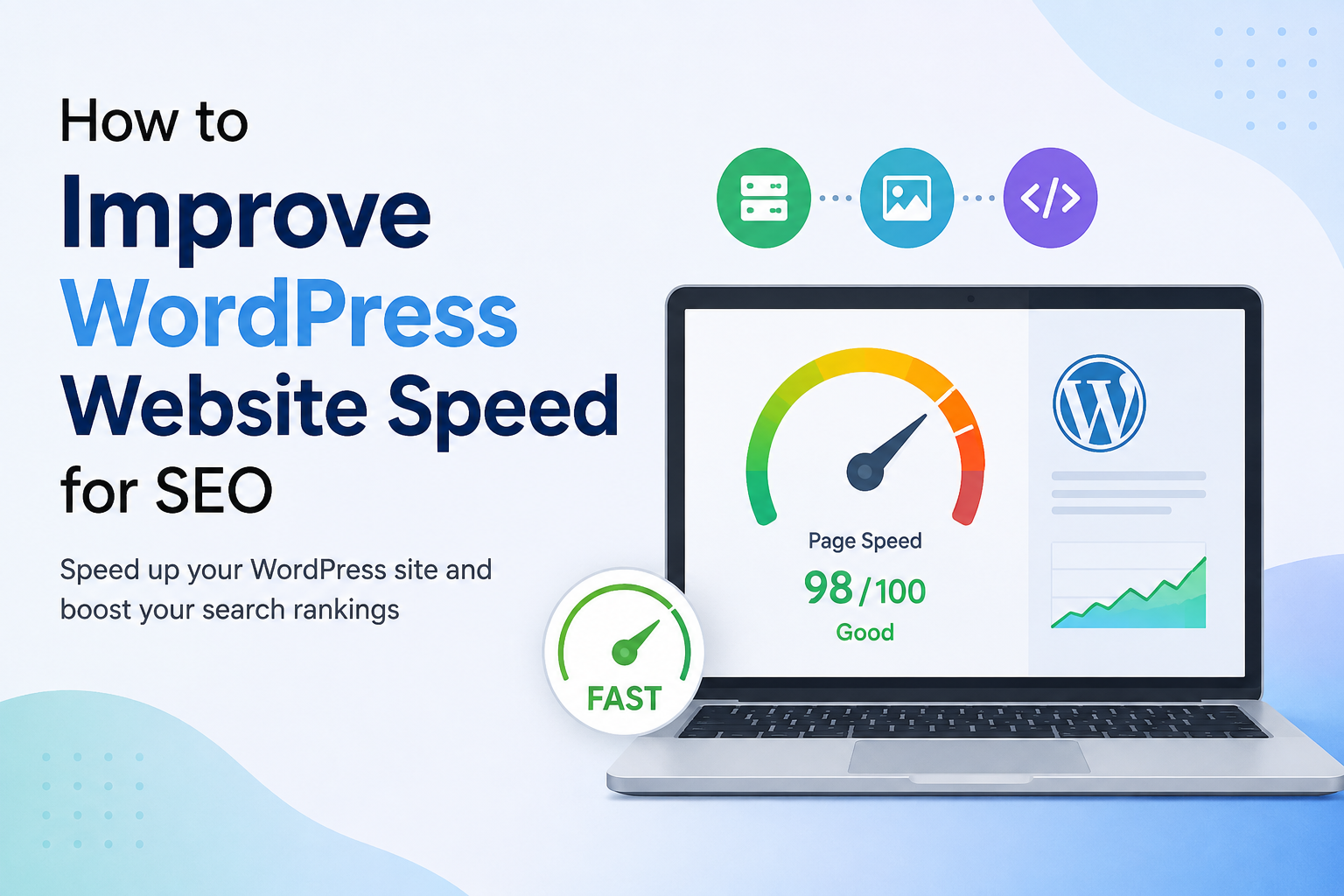
Website speed is one of those things I believe every WordPress website owner should take seriously. When I first started paying attention to SEO, I thought keywords, backlinks, and good content were enough to get better rankings. Later, I realized that website performance also plays an important role in creating a better experience for visitors.
A slow website can make people leave before they even read your content. It can also make your website feel outdated and difficult to use, especially on mobile devices. For me, improving WordPress speed is not only about getting a better score in a speed testing tool. It is about making the whole website feel fast, smooth, and easy to use.
In this article, I will explain the practical steps I would take to improve WordPress website speed for SEO.
Why Website Speed Matters for SEO
Website speed matters because search engines want to provide users with useful and enjoyable experiences. If a page takes too long to load, visitors may leave quickly and look for another website.
Speed is especially important on mobile devices because many people access websites using mobile internet connections. A website that loads quickly can make browsing much easier.
Google also uses page experience signals when evaluating websites. This does not mean that making your website extremely fast automatically puts you at the top of search results. SEO depends on many factors, including content quality, relevance, links, technical performance, and user experience.
In my opinion, the best approach is to treat speed as one important part of a complete SEO strategy.
Choose Good WordPress Hosting
The first thing I would check when a WordPress website is slow is the hosting.
Many website owners spend hours installing optimization plugins while ignoring the server. If your hosting environment is slow or overloaded, plugins alone may not solve the problem.
Good WordPress hosting can provide better server performance, caching options, security features, and reliable uptime.
When choosing hosting, I would look for a provider that offers fast servers, SSD or NVMe storage, server side caching, good support, and data centers close to the main audience of the website.
Cheap hosting can sometimes be useful for a small personal website, but if you are building a serious business or content website, investing in better hosting can make a noticeable difference.
Use a Lightweight WordPress Theme
Your WordPress theme can also affect loading speed.
Some themes come with many features, animations, sliders, widgets, and design options that you may never use. While these features can look attractive, they can also increase the amount of code that browsers need to process.
I prefer using a lightweight theme that provides the basic design elements I actually need.
A simple website can still look professional without loading unnecessary scripts and design features. If your website is mainly a blog, there is usually no reason to use a theme designed for a complicated online store or large business portal.
Before installing a theme, I would check whether it is regularly updated, responsive, compatible with modern WordPress versions, and optimized for performance.
Optimize Your Images
Images are one of the most common reasons WordPress websites become slow.
Large images can take a long time to download, especially for mobile visitors. Uploading a five megabyte photograph when a much smaller version would look exactly the same on the page is unnecessary.
I recommend resizing images before uploading them and using modern image formats when appropriate.
WebP is commonly useful because it can provide good visual quality with smaller file sizes. The important thing is to avoid uploading images that are much larger than their displayed dimensions.
For example, if an image will appear at around 800 pixels wide, there is usually no reason to upload a massive image several thousand pixels wide.
Image optimization can reduce page size significantly and improve loading performance.
Enable Image Lazy Loading
Lazy loading is another useful technique for image heavy websites.
Instead of loading every image immediately when someone opens a page, lazy loading allows images lower down the page to load when they are getting close to the visitor’s screen.
This can reduce the amount of data that needs to be loaded at the beginning.
WordPress already provides lazy loading support for many images, but it is still worth checking your website to make sure images are being handled properly.
I would avoid using lazy loading for important images that appear immediately at the top of the page because delaying critical content can sometimes make the page feel slower.
Use a Caching Solution
Caching is one of the easiest ways to improve WordPress performance.
Normally, when someone visits a WordPress page, the server may need to process PHP code, communicate with the database, and generate the page. A caching system can store a prepared version of a page so it can be delivered more quickly.
There are different types of caching, including page caching, browser caching, and object caching.
The exact setup depends on your hosting provider and website configuration. I would avoid installing several caching plugins at the same time because they can conflict with each other.
Instead, I prefer choosing one reliable caching solution and configuring it carefully.
Reduce Unnecessary Plugins
Plugins are one of the best things about WordPress, but installing too many can create performance problems.
Every plugin does not necessarily make a website slow, but poorly coded or unnecessary plugins can add scripts, database queries, and other resources.
I recommend reviewing your plugins regularly.
If you have three plugins performing similar functions, you may be able to remove two of them. If you installed a plugin months ago and no longer use it, there is little reason to keep it active.
I also recommend keeping important plugins updated because updates can include performance improvements, security fixes, and compatibility changes.
Minify CSS, JavaScript, and HTML
Your website contains different types of code, including HTML, CSS, and JavaScript.
Minification removes unnecessary spaces, comments, and other characters from code without changing how the website works. This can reduce file sizes and help browsers download resources faster.
Many WordPress optimization tools provide minification options.
However, I would always test the website after enabling these features. Aggressive optimization can sometimes break menus, forms, sliders, or other interactive elements.
For me, website stability is more important than saving a tiny amount of file size.
Reduce Unnecessary JavaScript
JavaScript can provide useful functionality, but too much JavaScript can slow down page rendering.
Some websites load scripts for features that visitors may never use. Third party advertising systems, tracking tools, social media widgets, chat boxes, animations, and other services can all add extra resources.
I would review which scripts are actually necessary.
If a script does not provide meaningful value, removing it can improve performance. In some cases, JavaScript can also be delayed until after important page content has loaded.
This can help visitors see the main content sooner.
Use a Content Delivery Network
A Content Delivery Network, commonly called a CDN, can help deliver website files from servers located closer to visitors.
For websites with visitors from different countries or regions, a CDN can be particularly useful.
Instead of every visitor downloading static files from one central server, a CDN can serve cached resources from locations closer to the visitor.
This can improve loading times for images, CSS, JavaScript, and other static resources.
If your website mainly serves visitors from one local area, you may not need an advanced CDN setup, but it can still be useful depending on your hosting and traffic.
Clean Your WordPress Database
Over time, a WordPress database can collect unnecessary information.
Old revisions, spam comments, temporary data, and other unused records can increase database size.
I recommend cleaning the database carefully rather than deleting random tables or records manually.
Before making database changes, I would always create a backup.
Database optimization can be helpful, but it should not be treated as a magic solution. If your main problem is poor hosting or huge images, cleaning the database will not suddenly make the website extremely fast.
Improve Mobile Performance
I believe mobile performance should be a major priority for modern WordPress websites.
A website may look fast on a powerful desktop computer but feel much slower on an average smartphone.
When testing speed, I would check the website using mobile performance tools and also manually browse it from a mobile device.
Pay attention to how quickly the main content appears, whether buttons respond quickly, whether images jump around, and whether menus open smoothly.
A fast mobile experience can make the website more comfortable to use and can support your overall SEO strategy.
Improve Core Web Vitals
Core Web Vitals are useful metrics for understanding real user experience.
The main metrics include Largest Contentful Paint, Interaction to Next Paint, and Cumulative Layout Shift.
Largest Contentful Paint looks at how quickly the main content becomes visible. Interaction to Next Paint focuses on how responsive a page is to user interactions. Cumulative Layout Shift measures unexpected movement of page elements.
Improving these metrics usually requires practical optimization rather than simply chasing a perfect score.
For example, properly sizing images can reduce layout shifts. Improving server response time can help loading performance. Reducing unnecessary JavaScript can improve responsiveness.
Test Your Website Regularly
After making changes, I recommend testing the website again.
Speed optimization is not something I would do once and forget about. Websites change over time. New plugins are installed, new images are uploaded, advertisements are added, and themes receive updates.
Any of these changes can affect performance.
I would test important pages such as the homepage, blog posts, category pages, and landing pages.
Also remember that speed testing tools can produce different results at different times. Instead of becoming obsessed with one score, look for consistent improvements and focus on real user experience.
Avoid Chasing a Perfect Speed Score
One mistake I see often is becoming obsessed with getting a perfect score.
A speed score is useful, but it is not the entire story.
A website can have an excellent laboratory score while still providing a poor experience because of slow third party services or other issues. On the other hand, a website may not achieve a perfect score but can still load quickly and work well for real visitors.
My goal would be to make the website noticeably faster, especially for mobile users, while keeping the design and functionality useful.
Final Thoughts
Improving WordPress website speed for SEO does not have to be complicated. I would start with the biggest problems first instead of making dozens of changes at once.
Good hosting, a lightweight theme, optimized images, caching, fewer unnecessary plugins, efficient code, CDN support, and good mobile performance can make a major difference.
Most importantly, I would remember that speed optimization is part of a larger SEO strategy. Fast loading pages are valuable, but they still need useful content, good structure, relevant keywords, internal links, and a website that genuinely helps visitors.
In my view, the best WordPress website is not the one with the highest speed test score. It is the one that loads quickly, feels smooth, answers the visitor’s question, and makes people want to stay.
If I were optimizing a WordPress website today, I would focus on those things first and then continue monitoring performance as the website grows.