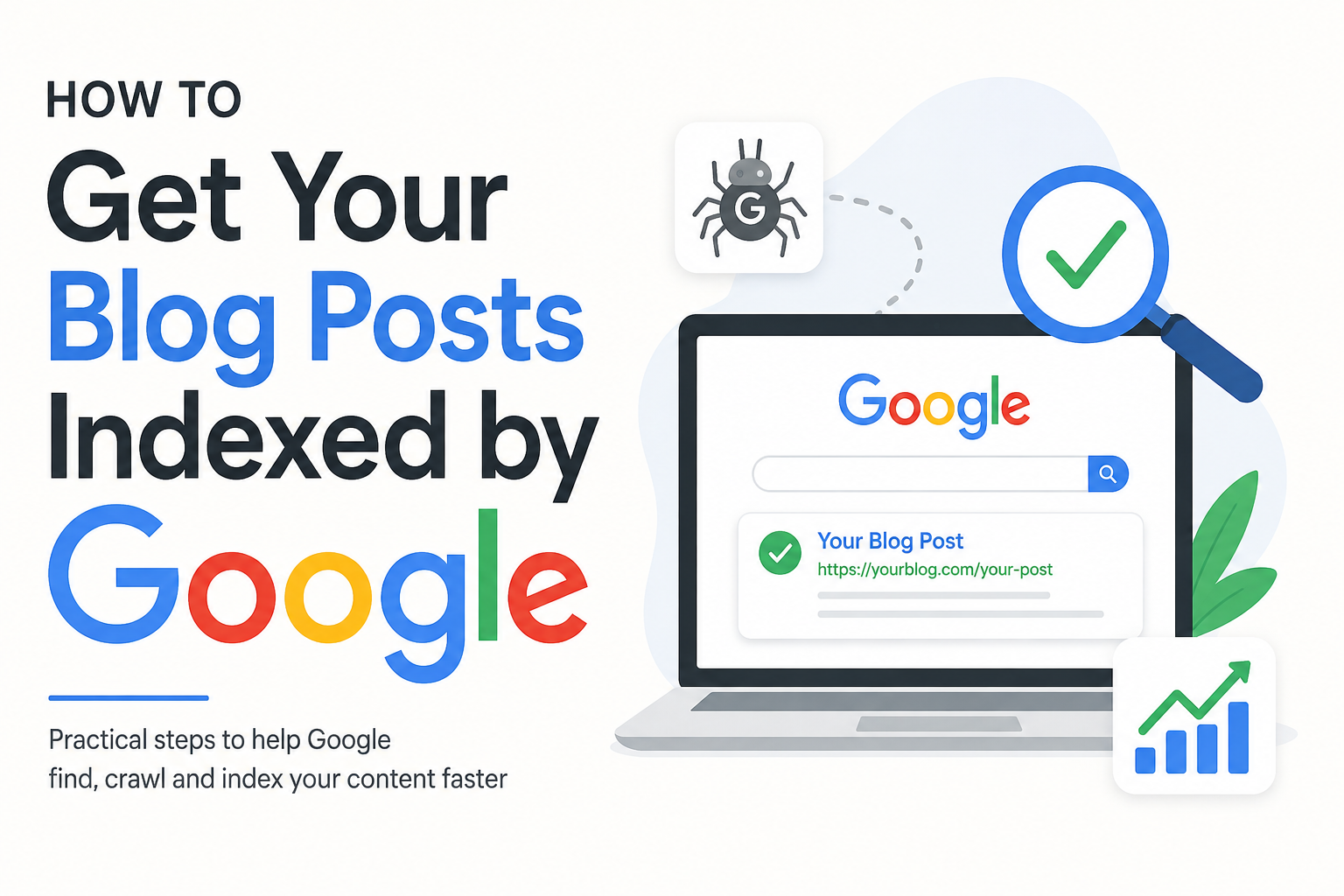
When I publish a new blog post, one of the first things I want is for Google to discover it and add it to its search index. After all, even the best article will struggle to bring organic traffic if Google cannot find or index it.
Getting a blog post indexed by Google is usually not complicated, but there are several things that can make the process easier and more reliable. In my experience, the most important part is making sure that Google can access my website, understand my content, and discover my new pages naturally.
In this article, I will explain the practical steps I use to help my blog posts get indexed by Google.
What Does Google Indexing Mean?
Before talking about how to get indexed, I think it is important to understand what indexing actually means.
Google discovers pages through its automated systems, often called crawlers. These systems visit websites, follow links, read content, and collect information about different pages. After Google processes a page, it may decide to store that page in its search index.
When someone searches for a topic, Google looks through its index and decides which pages are relevant enough to show in the results.
So, crawling and indexing are not exactly the same thing. Google may crawl a page without necessarily adding it to the index.
This is why simply publishing an article does not always mean that the article will immediately appear in Google search results.
Make Sure Your Website Can Be Crawled
The first thing I check is whether Google can actually access my website.
If search engine crawlers cannot access a page, there is little chance of that page being indexed. Technical problems, incorrect settings, or accidental blocking can prevent crawling.
I make sure my website is online, loads properly, and does not require visitors to log in before reading normal blog posts.
I also check my robots.txt file because this file can provide instructions to search engine crawlers. A mistake in this file can potentially prevent important sections of a website from being crawled.
For a new blog, I believe keeping the technical setup simple is usually better than making unnecessary changes.
Set Up Google Search Console
One of the most useful tools I use for a blog is Google Search Console.
Search Console helps me understand how Google sees my website. It can show information about indexing, search performance, crawling, and technical issues.
After adding and verifying my website, I can submit my sitemap and inspect individual URLs.
The URL Inspection feature is particularly useful when I have just published an important article. I can enter the URL and see whether Google knows about it.
If the page is not indexed and the option is available, I can request indexing.
I do not expect this to guarantee instant indexing. Instead, I see it as a way of notifying Google that I have a new or updated page that I want it to consider.
Submit an XML Sitemap
An XML sitemap is another important part of my indexing strategy.
A sitemap provides search engines with information about URLs that are available on my website. On a WordPress website, many SEO plugins can automatically create and update an XML sitemap.
After creating the sitemap, I can submit its sitemap URL through Google Search Console.
I think this is especially useful for new blogs because a new website may not have many external links pointing toward it. A sitemap gives search engines another way to discover important pages.
However, I do not treat a sitemap as a guarantee that every URL will be indexed. It is mainly a discovery tool.
Create Internal Links
One of the simplest methods I use to help Google discover new blog posts is internal linking.
When I publish a new article, I look through my older relevant posts and add links to the new article where they genuinely make sense.
For example, if I write an article about getting traffic to a new blog, I might link to another useful article about keyword research or SEO basics.
Internal links create a path between different pages on my website. They can help search engines discover content and understand how different topics are connected.
They are also useful for readers because they make it easier to explore related information.
I avoid adding internal links randomly. I prefer links that are genuinely useful and relevant to the topic.
Publish Useful and Original Content
Indexing is not only a technical issue. The quality and usefulness of the content also matter.
When I write a blog post, I try to make sure it provides something useful instead of simply repeating information that already exists everywhere.
I focus on answering the reader’s actual question. I use clear headings, practical examples, simple explanations, and information that is relevant to the topic.
I also avoid creating dozens of thin pages simply because I want more URLs indexed.
A smaller website with useful articles can be much easier to manage than a website filled with pages that provide very little value.
My approach is to publish content that I would personally find useful if I were searching for the answer.
Use Clear and Descriptive URLs
I also pay attention to the URL of every blog post.
A clean URL helps both readers and search engines understand what the page is about.
For example, a URL based on the main topic of an article is usually easier to understand than a long URL containing random numbers or unnecessary characters.
On WordPress, I prefer setting a simple permalink structure before publishing many articles. Changing URLs later can create unnecessary problems, especially if old URLs are already being discovered or linked.
For this reason, I try to choose a sensible URL structure from the beginning.
Make Your Website Mobile Friendly
Most people access websites from mobile devices, so I make sure my blog works properly on smaller screens.
A website that looks good on a desktop but becomes difficult to use on a phone can create a poor experience for visitors.
I check whether text is readable, buttons are easy to use, images fit the screen, and pages load correctly.
Mobile friendliness is part of creating a good website overall, and it is something I do not want to ignore when working on SEO.
Improve Website Speed
Website speed is another area I pay attention to.
If my pages take too long to load, visitors may leave before reading the article. Slow websites can also create crawling and usability concerns, particularly when a website has many technical problems.
I try to keep my WordPress website lightweight. I compress large images, avoid unnecessary plugins, use a reliable hosting service, and keep my theme reasonably optimized.
I do not believe I need to obsess over every tiny speed measurement. My main goal is to create a website that loads quickly and feels smooth for real visitors.
Avoid Accidental Noindex Settings
Sometimes a blog post is not indexed because the website is telling search engines not to index it.
This can happen because of a noindex directive or an SEO plugin setting.
When an article is important to me, I check its SEO settings before and after publication. I make sure the page is intended to be visible in search engines.
This is a small check, but it can save a lot of frustration.
If everything else looks correct but a page refuses to appear in Google’s index, I consider checking its indexing directives.
Build Some Natural Links
Links from other websites can also help Google discover content.
I am not talking about buying large numbers of low quality backlinks. I prefer earning links naturally by publishing useful information that other website owners may want to reference.
For example, an original guide, helpful tutorial, useful resource, or well researched article may attract links over time.
I also believe that links should be approached with quality in mind rather than quantity.
A few relevant references can be more meaningful than a large number of unrelated links.
Share New Posts
After publishing a new article, I like to share it through channels where I already have an audience.
This could include social media, an email newsletter, or relevant online communities where sharing the article is genuinely useful.
Social sharing itself should not be treated as a magic indexing button. My main reason for sharing is to help real people discover the content.
If readers find the article useful, they may visit other pages, share it, or mention it elsewhere. Those interactions can help a new blog become more visible over time.
Keep Your Website Active
I have noticed that blogging is much easier when I focus on consistency instead of trying to publish a huge number of posts in a short period.
I would rather publish useful articles regularly than produce dozens of weak posts just to increase the number of URLs on my website.
Keeping a blog updated also gives me opportunities to improve older content.
Sometimes I revisit an article, update outdated information, add better examples, improve internal links, and make the article easier to read.
This creates a healthier website over time.
Be Patient With Google Indexing
One of the biggest lessons I have learned is that indexing is not always immediate.
A new blog has very little history and authority compared with an established website. Google may need time to discover, crawl, process, and evaluate new pages.
Sometimes a page can appear relatively quickly, while another page may take longer.
I do not panic if an article does not appear in Google immediately.
Instead, I check the basics. I make sure the page is accessible, the URL is correct, the sitemap is working, internal links exist, and there are no obvious indexing restrictions.
If everything looks fine, I give Google time.
Check Your Indexed Pages
I also recommend regularly checking which pages Google has indexed.
Google Search Console can provide useful information about pages that have been indexed and pages that have encountered problems.
If I find an important page that is not indexed, I investigate the reason rather than simply publishing another version of the same article.
This helps me identify technical or content issues that might affect other pages on the website as well.
Final Thoughts
Getting blog posts indexed by Google is not about finding one secret trick. In my opinion, it is about building a website that is easy for search engines to discover and easy for people to use.
I focus on having a crawlable website, submitting an XML sitemap, using internal links, publishing useful original content, keeping URLs clean, checking Search Console, and avoiding technical mistakes.
Most importantly, I try to be patient.
Google indexing can take time, especially for a new website. Instead of worrying about every hour that an article is not appearing in search, I prefer to keep improving my website and publishing genuinely helpful content.
Once the technical foundation is correct, my main job is to create content that deserves to be discovered. That is the approach I believe gives a new blog the best long term chance of gaining visibility in Google search.