When I write a blog post, I do not think of headings as simple text that makes an article look organized. For me, headings are one of the most useful parts of a blog post because they help readers understand the content quickly and also make the article easier for search engines to understand.
A well organized blog post feels much easier to read. When someone opens an article and sees large sections with clear headings, they can quickly find the information they need. This is especially important today because most people do not read every word of an article from beginning to end. They usually scan the page first and decide which section is useful for them.
This is where headings become important for SEO. When headings are used properly, they create a clear structure for your content. They can also help you naturally include important keywords without making the article feel forced or unnatural.
What Are Headings in a Blog Post?
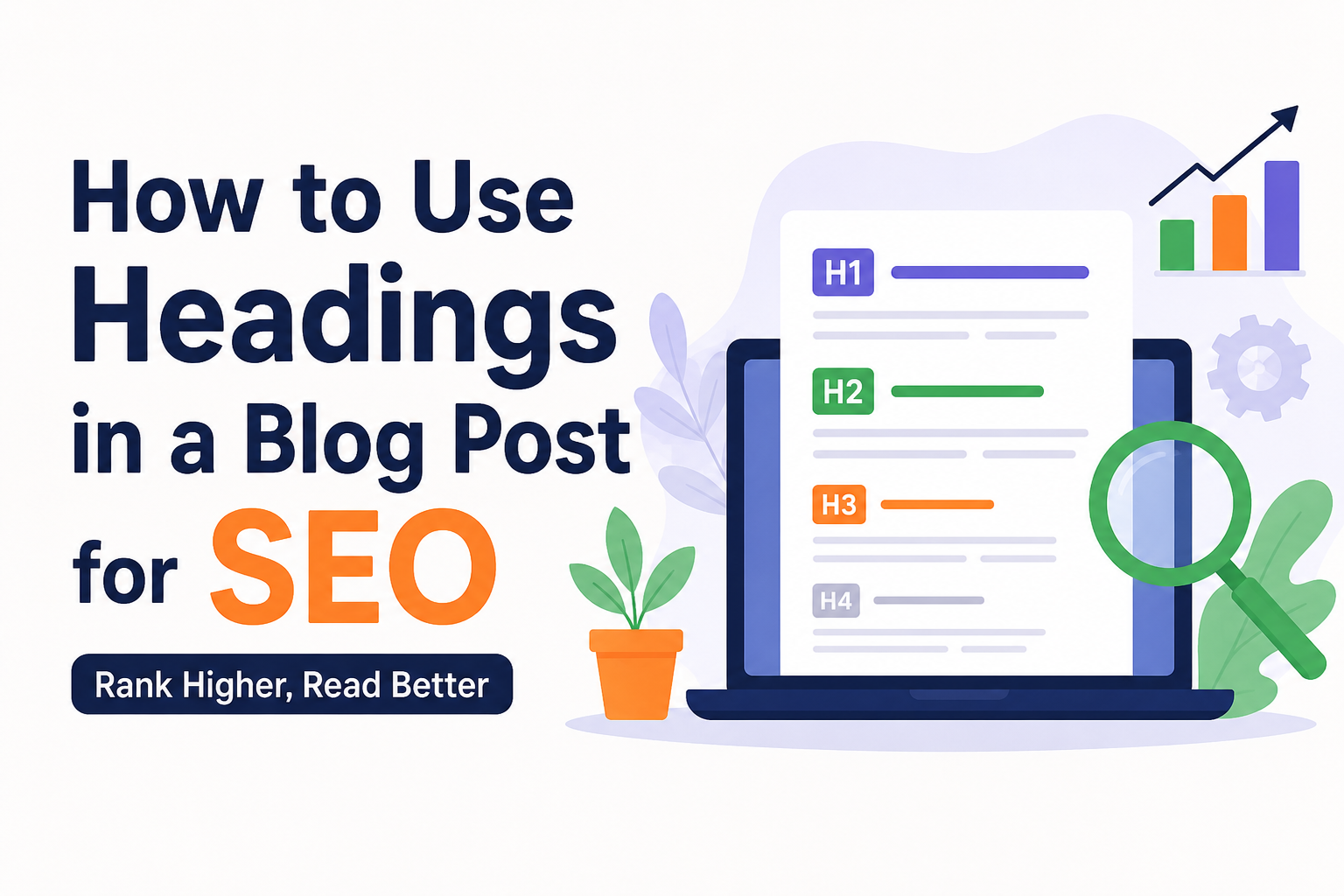
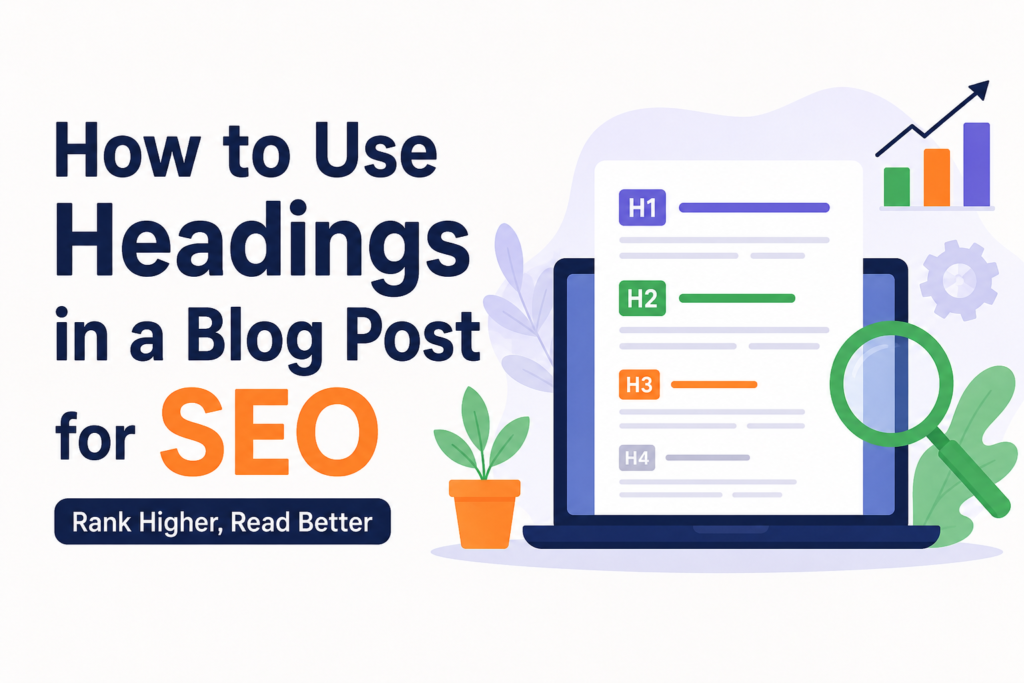
Headings are titles used to divide a blog post into different sections. In HTML, headings normally range from H1 to H6.
The H1 heading is usually the main title of the page or article. It tells readers and search engines what the entire page is about.
H2 headings are used for the main sections of your article. If your article discusses several major points, each point can have its own H2 heading.
H3 headings are used for smaller sections inside an H2 section. You can continue with H4, H5, and H6 when your content needs more levels of organization.
I personally try not to use too many heading levels unless the article is very detailed. For most blog posts, H1, H2, and H3 are enough to create a clean structure.
Use One Clear H1 Heading
The H1 heading should explain the main topic of your article clearly. I like to keep it simple and focused instead of trying to add too many keywords.
For example, if I am writing about improving website speed, a good H1 could be:
“How to Improve Website Speed for Better SEO”
This tells the reader exactly what the article is about.
Your main keyword can naturally appear in the H1 when it makes sense. However, I would not recommend repeating the same keyword several times just because you think it will help rankings. A natural title is usually much better for readers.
In many WordPress themes, the post title automatically becomes the H1 heading. Because of this, you should check your theme before manually adding another H1 inside the article.
Use H2 Headings for Main Topics
After the H1, H2 headings are probably the headings I use most often.
Think of H2 headings as the major chapters of your blog post. Each H2 should introduce an important part of the topic.
For example, an article about blog SEO might use H2 headings such as:
Why SEO Matters for Bloggers
How to Choose Keywords
How to Structure Your Content
How to Improve Readability
Common SEO Mistakes to Avoid
These headings give the reader a quick idea of what they will learn.
They also create a logical structure that makes your article easier to understand. Instead of seeing a huge wall of text, readers can move from one section to another naturally.
Use H3 Headings When You Need Subtopics
Sometimes an H2 section covers several smaller ideas. This is when H3 headings become useful.
For example, under an H2 heading called “How to Optimize Your Images,” you might have H3 headings such as:
Choose the Right Image Format
Compress Large Images
Write Descriptive Alt Text
Use Meaningful File Names
This creates a hierarchy. The H2 represents the main subject, while the H3 headings explain different parts of that subject.
I find this especially helpful when writing long articles because it prevents individual sections from becoming too large.
Include Keywords Naturally in Headings
Keywords can be useful in headings, but I believe natural writing should always come first.
If your main keyword is “SEO friendly blog post,” you might create a heading such as:
“How to Structure an SEO Friendly Blog Post”
That feels natural because the keyword fits the topic.
What I would avoid is something like:
“SEO Friendly Blog Post SEO Tips SEO Friendly Blog Post Guide”
This looks unnatural and can make the content difficult to read.
Search engines are much better at understanding topics and context than they were years ago. Because of that, I focus on writing headings that genuinely describe the section.
Make Headings Useful for Readers
One of the biggest mistakes I see is writing headings only for SEO.
I believe a heading should first help the person reading the article.
Before publishing a heading, I ask myself whether someone could understand the section simply by reading the heading. If the answer is yes, I usually keep it.
For example, “Benefits” is a very weak heading because it does not explain benefits of what.
A better heading would be:
“Benefits of Using SEO Friendly Headings”
The second heading gives the reader much more information.
Keep Your Heading Structure Logical
Your headings should follow a logical order.
Usually, the structure looks something like this:
H1 for the main article title
H2 for major sections
H3 for subtopics inside an H2
H4 for smaller points inside an H3 when necessary
You should avoid jumping randomly between heading levels.
For example, using an H4 directly after an H2 without a real reason can make the structure confusing. It is better to use headings according to the relationship between your topics.
The goal is not to use every heading level. The goal is to create a structure that makes sense.
Do Not Use Headings Just to Make Text Bigger
A heading is not simply a formatting tool.
Sometimes bloggers use an H2 because they want certain words to appear larger on the page. I think this is the wrong approach.
If you only want to make text larger, use normal formatting or adjust your theme’s styling. Use headings when the text represents a real section of your article.
This keeps your content structure meaningful.
Write Short and Clear Headings
I prefer headings that are relatively short and easy to understand.
A heading does not need to explain the entire section. It only needs to tell the reader what the section is about.
For example:
“How to Choose Keywords That Match Your Audience”
is much easier to scan than a very long heading containing several unrelated ideas.
Clear headings also work well on mobile devices, where long headings can take up several lines.
Use Headings to Improve Readability
Long paragraphs can make even good content feel difficult to read.
This is one reason I use headings regularly in my articles. They create natural breaks between different ideas.
Imagine reading a 1,300 word article with no headings at all. Even if the information is excellent, the page can feel tiring.
Now imagine the same article divided into clear sections. It immediately becomes easier to scan.
Good headings work together with short paragraphs, lists, images, and other formatting elements to create a better reading experience.
Think About Search Intent When Creating Headings
Another technique I find useful is thinking about what readers actually want to know.
Suppose the main topic is “how to improve blog SEO.” Instead of creating random headings, think about the questions people may have.
You could use headings such as:
What Is Blog SEO?
How Do Keywords Help Blog SEO?
How Should You Structure a Blog Post?
How Can You Improve Internal Linking?
What SEO Mistakes Should Bloggers Avoid?
These headings match common questions and make the article more useful.
When your headings reflect genuine user questions, the whole article usually becomes more focused.
Avoid Keyword Stuffing in Headings
Using keywords naturally is helpful, but putting keywords into every heading can make your article look artificial.
If your target keyword is “blog SEO tips,” you do not need to put that exact phrase into every H2 and H3.
Instead, use related language where appropriate.
For example:
How to Improve Your Blog Structure
Ways to Make Content Easier to Read
Tips for Better Internal Links
How to Optimize Blog Images
These headings still support the overall topic without repeating the same phrase again and again.
Use Headings to Plan Your Article
One thing I have found useful is creating headings before writing the full article.
When I plan the H2 and H3 headings first, I can see whether the article has a logical flow.
If the headings look confusing, the article will probably be confusing too.
For example, I might start with the problem, explain the basic concept, provide practical steps, discuss mistakes, and finish with useful advice. The headings become a simple roadmap for the entire article.
This can also make writing faster because I already know what each section needs to cover.
Make Every Heading Match Its Section
A heading should accurately describe the content below it.
If your heading promises “Five Ways to Improve Website Speed,” the section should actually discuss five useful methods.
I avoid creating dramatic or misleading headings simply to get attention. Readers notice when a heading does not match the content, and this can damage trust.
Good SEO is not only about search engines. It is also about creating a page that people find useful.
Headings Can Help With Featured Search Results
Clear headings can also make your content easier to understand when search engines process the page.
You should not create headings specifically because you expect a featured result or special search appearance. There is no guaranteed heading formula for that.
Instead, focus on answering questions clearly and organizing the information properly.
If a section directly answers a useful question, place that question or a clear description of it in the heading and provide a concise answer underneath.
Common Heading Mistakes to Avoid
There are several heading mistakes I try to avoid when publishing a blog post.
The first is using multiple H1 headings without a clear reason. In most normal blog articles, one main H1 is enough.
The second is stuffing keywords into every heading.
The third is using headings that are too vague.
The fourth is creating extremely long headings.
The fifth is using headings only for visual styling.
Another common problem is poor hierarchy. If every heading has the same level, readers may not understand which topics are main sections and which are subtopics.
Fixing these problems can make an article look much more professional.
My Simple Heading Strategy for SEO
When I create a blog post, my heading strategy is fairly simple.
I start with one clear H1 that explains the main topic. Then I divide the article into major H2 sections. If an H2 section contains several important subtopics, I use H3 headings.
I include keywords naturally where they make sense, but I never force them.
I also read only the headings after finishing the article. If I can understand the basic story of the article by scanning the headings alone, I know the structure is probably working.
This is a simple test, but I find it very useful.
Final Thoughts
Headings are one of those small parts of SEO that can have a big impact on how your content feels.
For me, the most important thing is not trying to manipulate search engines with headings. It is creating a clear structure that helps both readers and search engines understand the page.
Use one clear H1 for the main topic, H2 headings for major sections, and H3 headings for useful subtopics. Keep your headings descriptive, natural, and easy to scan. Include relevant keywords when they fit naturally, but avoid keyword stuffing.
Most importantly, write headings for real people.
When someone can open your article, scan the headings, understand what the page covers, and quickly find the information they need, you are already doing something valuable for both user experience and SEO.
That is the approach I prefer because good SEO should make content easier to use, not harder to read.